Layout
How your node tree is laid out
You can organise your nodetree using 'frames' or 're-route' nodes. These are just there to make it easier for you to follow, and see where things are.
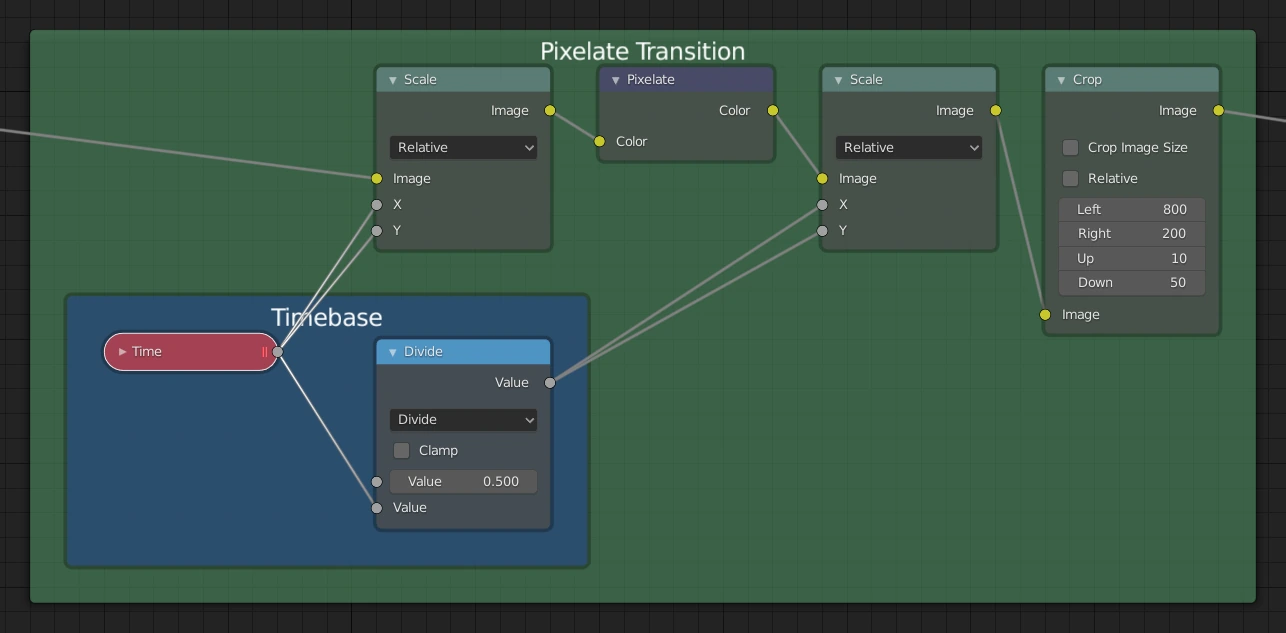
Green: Frame
Failure
Frames cannot be in a node-tree you intend to save as a preset. This will cause an error when saving the preset.
Frame
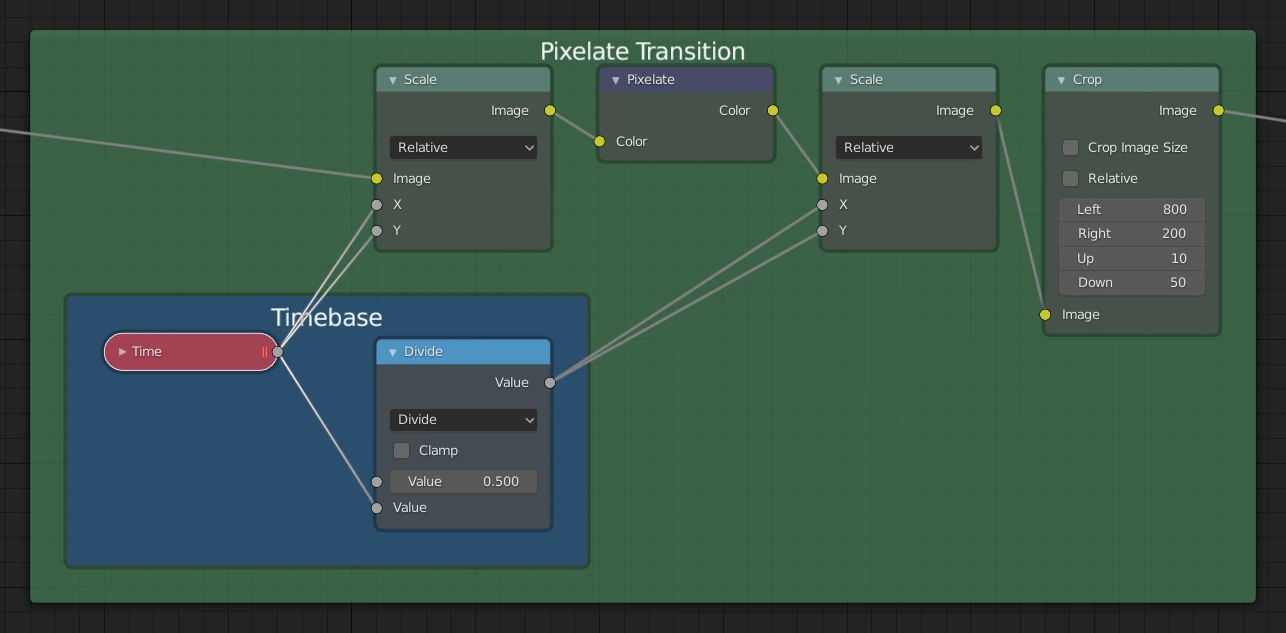
The Frame node is useful for organizing nodes by collecting related nodes together in a common area. Frames are useful when a node setup becomes large and confusing yet the re-usability of a Node Group is not required.
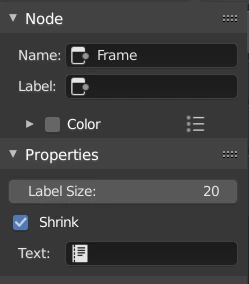
Properties
Label Size
Font size of the label. For example, for subordinate frames to have smaller titles.
Shrink
Once a node is placed in the Frame, the Frame shrinks around it so as to remove wasted space. At this point it is no longer possible to select the edge of the Frame to resize it, instead resizing occurs automatically when nodes within the Frame are rearranged. This behavior can be changed by disabling this option.
Text
When you need to display more comprehensive text, frame nodes can display the contents of a text data-block. This is read-only, so you will need to use the Text Editor to modify the contents.
Editing Keymaps
Join in a new Frame**
- Windows: Ctrl + J
- Mac: Cmd + J
Add selected to Frame**
- Windows: Ctrl + P
- Mac: Cmd + P
Remove selected from Frame**
- Windows: Alt + P
Reroute
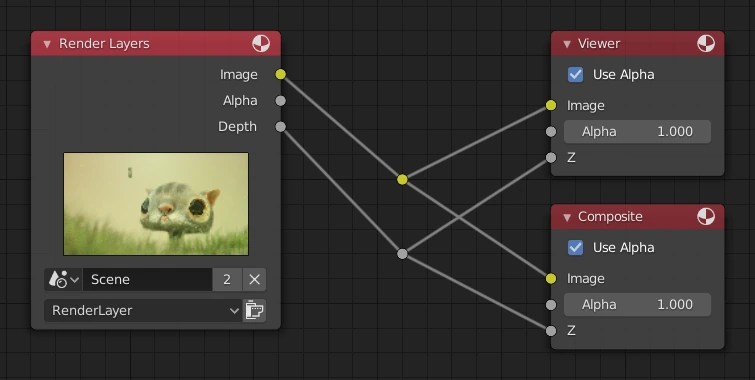
A node used primarily for organization. Reroute looks and behaves much like a socket on other nodes in that it supports one input connection while allowing multiple output connections.
To quickly add a Reroute node into an existing connection, hold Shift and RMB while sweeping across the link to add a Reroute node.
Input
Input value used for unconnected sockets.